
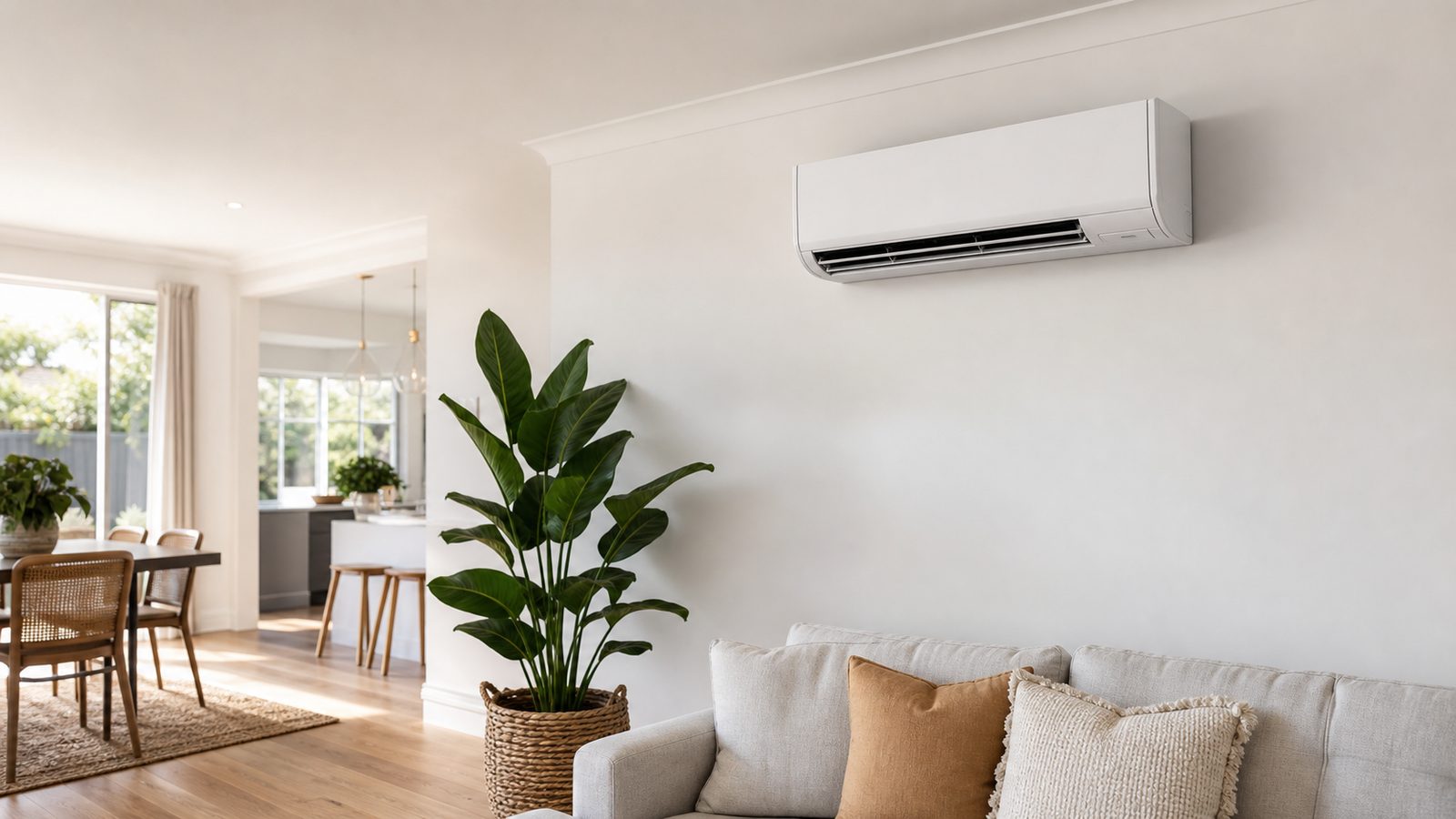
Start with a room-by-room equipment record
List each indoor unit or ducted zone using names that match the rooms guests see. Living room, main bedroom and rear bedroom are easier to follow than installer labels that nobody recognises. Photograph the indoor model label, outdoor model label where safely accessible and the relevant remote or wall controller. Keep the full technical record with the owner or manager, while giving guests only the operating information they need. Record which remote belongs to which room, especially when several controllers look similar.
For a Sunshine Coast holiday home, note practical access details such as gates, stairs and the location of outdoor equipment. A Mooloolaba apartment and a detached Caloundra house may need different access arrangements even when the indoor units are alike. Establish who can arrange entry for a technician and who can approve a quotation. Store that information privately rather than on a guest card. The purpose of the equipment record is to identify the right system quickly without asking a guest to dismantle anything or wander through restricted areas.
Write the guest card around ordinary actions
A useful guest card explains how to start cooling, identify the correct mode, adjust a comfortable temperature, change the fan and switch the system off. Use a photograph of the actual controller with simple labels. Do not paste a generic remote diagram if the buttons differ. Explain any permitted zone arrangement in ordinary room names and keep advanced settings out of the guest instructions. If a control behaves differently from the display guests expect, describe that clearly rather than relying on them to discover it during a hot evening.
Add the operating limits that prevent confusion. For example, explain that lowering the setpoint repeatedly is not a substitute for giving the room time to cool, and that outside doors should not remain open throughout ordinary cooling. Keep ventilation guidance consistent with the home and its existing arrangements. Do not promise the system will cool every room with every door open. If only specific spaces are served, make that evident in the room guide. An accurate description helps guests use the equipment without turning a technical limitation into a surprise.
Check cooling before guests need it
During a changeover, operate the equipment using the same simple instructions guests will receive. Confirm the controller responds, the intended unit starts and the normal airflow is present. Record any error message or unusual sound. A power light alone does not prove that a room is being cooled. Where the schedule permits, allow a normal operating period and observe whether the room responds as expected. Keep this an observation check, not an attempt to measure refrigerant pressures or repair the equipment.
Compare the condition with the last recorded check. If a room now has weak airflow, a remote is missing or the indoor unit leaks, raise it before the next arrival. Note the room, time, setting and symptom so the owner or technician has useful information. Avoid describing the whole property as fine when only the lounge was checked. If access or time prevents checking one room, record that gap explicitly. A short checklist with an honest incomplete item is more useful than a completed form that hides an untested bedroom.
Separate routine filter care from technical servicing
Identify the user-accessible filters and the cleaning instructions for each model. Some components can be washed, others need a different method or replacement. Fujitsu's published filter guidance is an example of why the actual procedure matters; do not apply one model's instructions blindly to every unit. Assign routine care only where the person has the correct instructions and safe access. Turn equipment off as directed, protect furnishings and allow components to dry as instructed before refitting them.
A changeover cleaner should not remove electrical covers, spray chemicals into the fan or climb on furniture to reach an awkward unit. Record inaccessible or damaged filters for a service visit. A clean exterior is not proof that internal airflow, drainage and operation have been checked. Keep the service record separate from the guest-changeover checklist, with the work performed and any recommendations. That distinction helps you see whether a repeated problem needs technical attention rather than another surface clean immediately before the next booking.
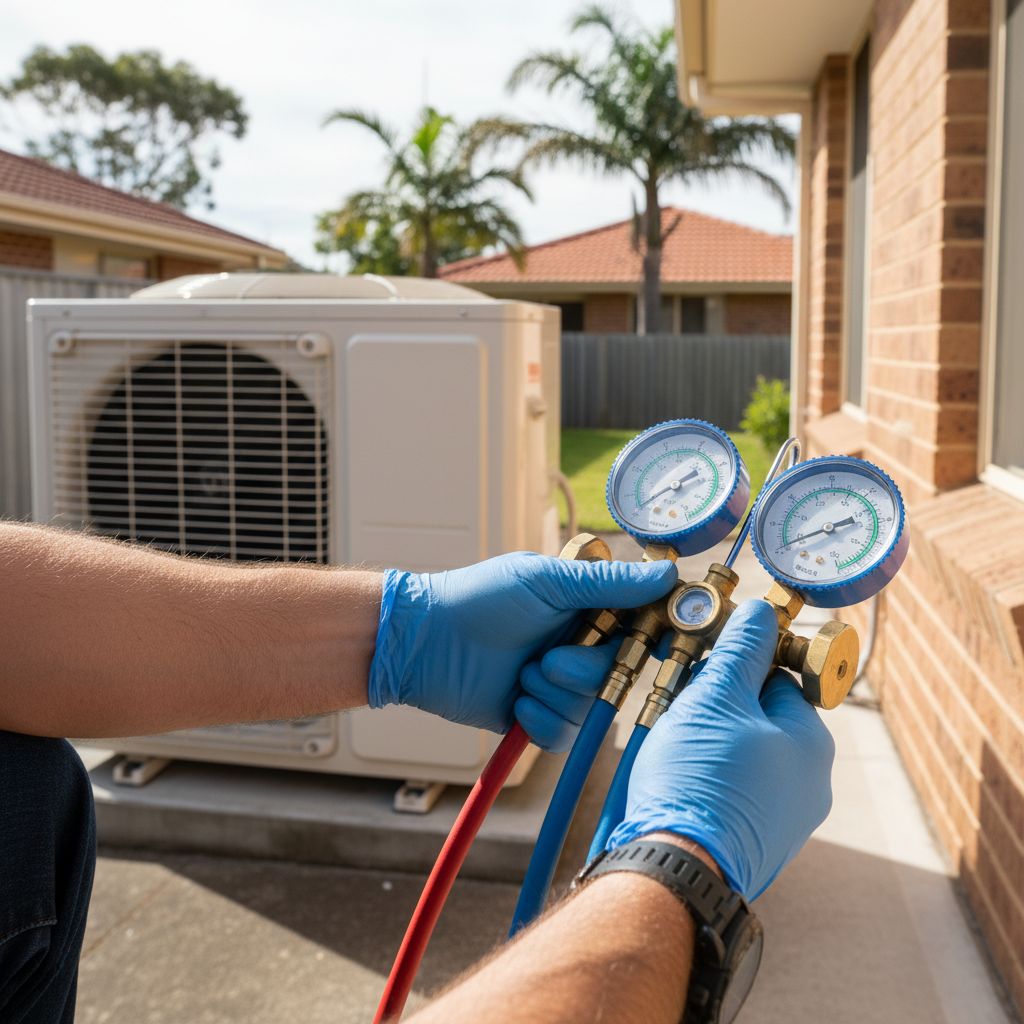
Watch the conditions guests leave behind
Wet towels, indoor laundry, balcony doors and bathroom moisture can change the room conditions between stays. Include these observations in the changeover routine without blaming every complaint on guest behaviour. Check for damp furnishings, persistent smells and visible water in places it should not be. If a room remains clammy after the ordinary moisture sources are addressed, record the pattern for assessment. A fragrance spray may hide a smell temporarily but does not establish whether the source has been removed.
Keep the unit's air path clear after cleaning and furniture resets. Curtains can be left across an outlet, luggage racks moved beneath a unit and outdoor areas filled with stored items. Check the accessible surroundings without moving fixed equipment or reaching into fans. Outdoor ventilation and service access should remain available as required by the installation. For a property near the coast, include visible deterioration and actual exposure in the maintenance conversation. Do not prescribe a universal cleaning schedule from the postcode alone; use the equipment instructions, usage and observed condition.
Give guests one clear fault-reporting route
Tell guests which property contact to use and what information to provide: room name, visible message, operating mode and a description of what is happening. A photo of the controller display is often helpful. Ask for observations, not diagnosis. Do not ask a guest to open electrical covers, reach outdoor valves or repeatedly reset a tripping circuit. Instructions for smoke, a burning smell, severe leakage or another potentially unsafe condition should prioritise stopping use where safe and obtaining appropriate urgent help.
The owner or manager should decide whether the issue can be resolved from the user instructions or needs a technician. Record the action and confirm the outcome in the affected room. A guest saying the remote now lights up does not establish that cooling has returned. If a system cannot be used, communicate the actual situation and the practical arrangement for that stay. Do not invent an arrival time for a repairer or promise restoration before an assessment. Clear records make it easier for the next person to continue the response without asking the guest to repeat everything.
Hypothetical example: repeated calls about a bedroom remote
An owner of a Mooloolaba holiday apartment receives repeated reports that a bedroom air conditioner does not work. Each visit finds the equipment operating, but the guest instructions show a different remote and a timer remains set from an earlier stay. The changeover check has been limited to confirming that the display is on. The owner replaces the generic instructions with a photo of the actual controller, labels the room remote and adds a normal cooling check using the same steps guests follow.
The revised routine also records the timer state and asks the caretaker to confirm the bedroom responds during the check. A later guest reports weak airflow despite following those instructions. Because the basic operating confusion has been separated out, the owner can now arrange an assessment with a clear room name, settings and symptom history. The example shows why documentation and maintenance should support each other. Better instructions can reduce avoidable confusion, but they should never be used to dismiss a new report of poor performance or a fault.
Make an explicit plan for gaps between stays
Decide who checks the property during longer unoccupied periods and what they should observe. The correct air conditioning routine depends on the building, equipment, ventilation and moisture conditions. Do not leave an unclear instruction such as keep the place fresh and assume everyone interprets it the same way. Ask the service provider for an appropriate operating plan if the home has recurring dampness or other concerns while vacant. Record the agreed settings and review whether the observed result matches the intended outcome.
Where connected controls are used, confirm who holds access and how local operation works if the internet fails. Remove obsolete access when management responsibilities change, using the product's account procedures. Avoid putting account passwords on a guest card. Check whether schedules are still appropriate after a cancelled stay or a changed arrival time. A remote command is not proof that the room is comfortable or that a leak has stopped. Have an identified person able to inspect the property when a physical check is required.
Keep the handover short and the maintenance record useful
Keep three separate records: a simple guest card, a caretaker changeover checklist and an owner maintenance file. The guest card explains ordinary use and who to contact. The changeover checklist records what was checked and anything unresolved. The maintenance file holds model details, service history, technical advice and the person responsible for follow-up. This separation prevents guests receiving an intimidating maintenance document while ensuring the people responsible for the property have enough information to act.
Review the records whenever equipment or controls change. Ask a person unfamiliar with the system to follow the guest instructions while you observe, without submitting a test booking or creating a service call. Fix unclear wording and mismatched room names. Use the tool below to build a caretaker brief that highlights the property's weak point, such as confusing controls, incomplete room checks or recurring moisture. Download it and adapt the actions to your equipment. The result is a practical starting document; keep the final operating instructions consistent with the manufacturer's manual and the advice for your installation.